
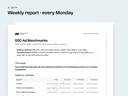
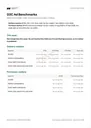
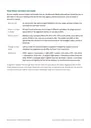














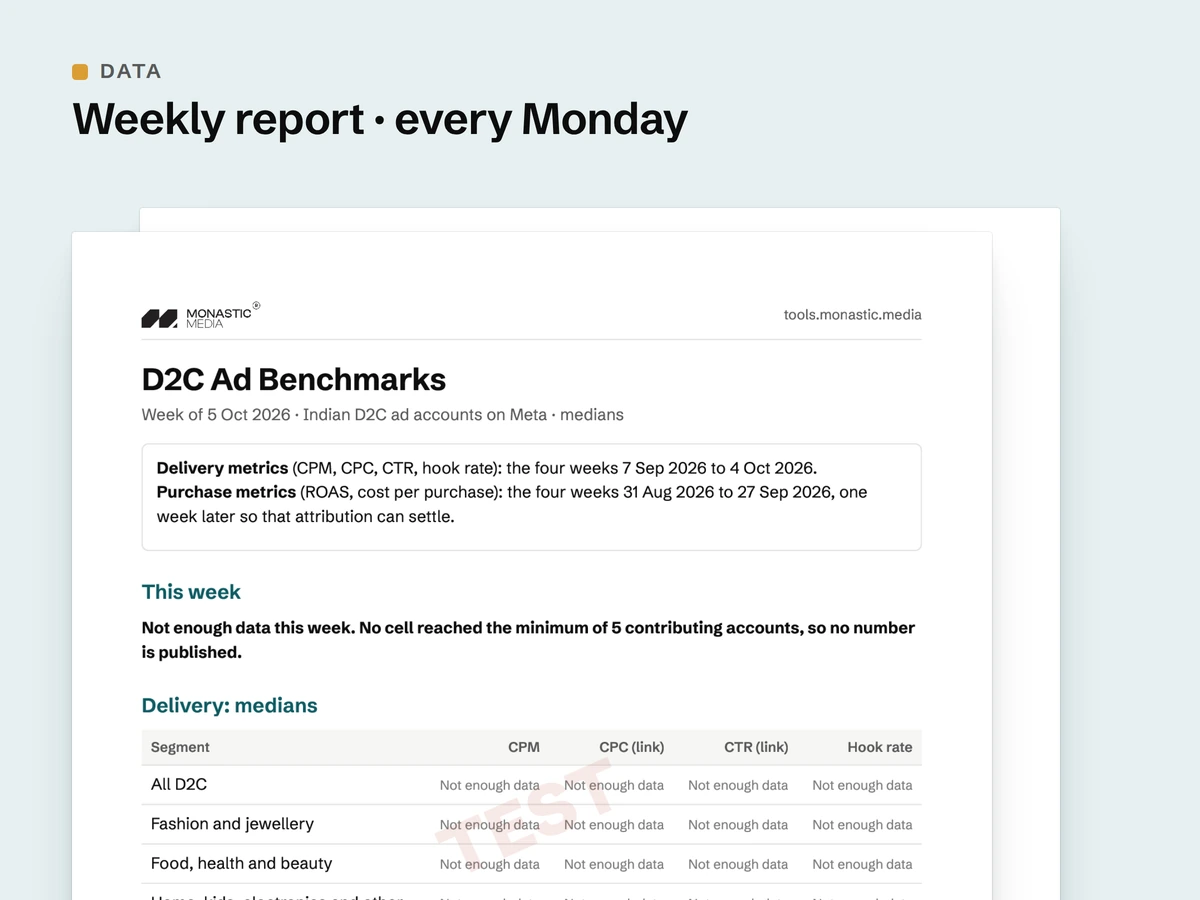
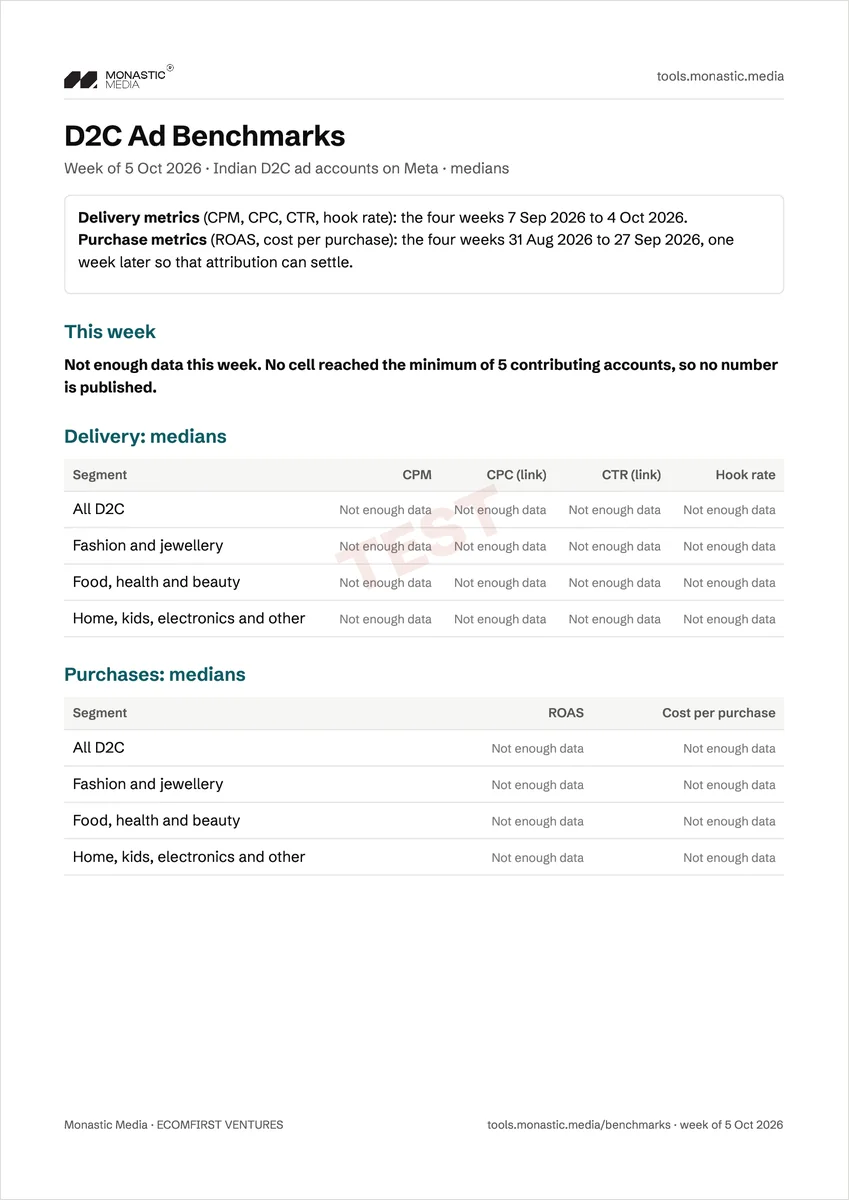
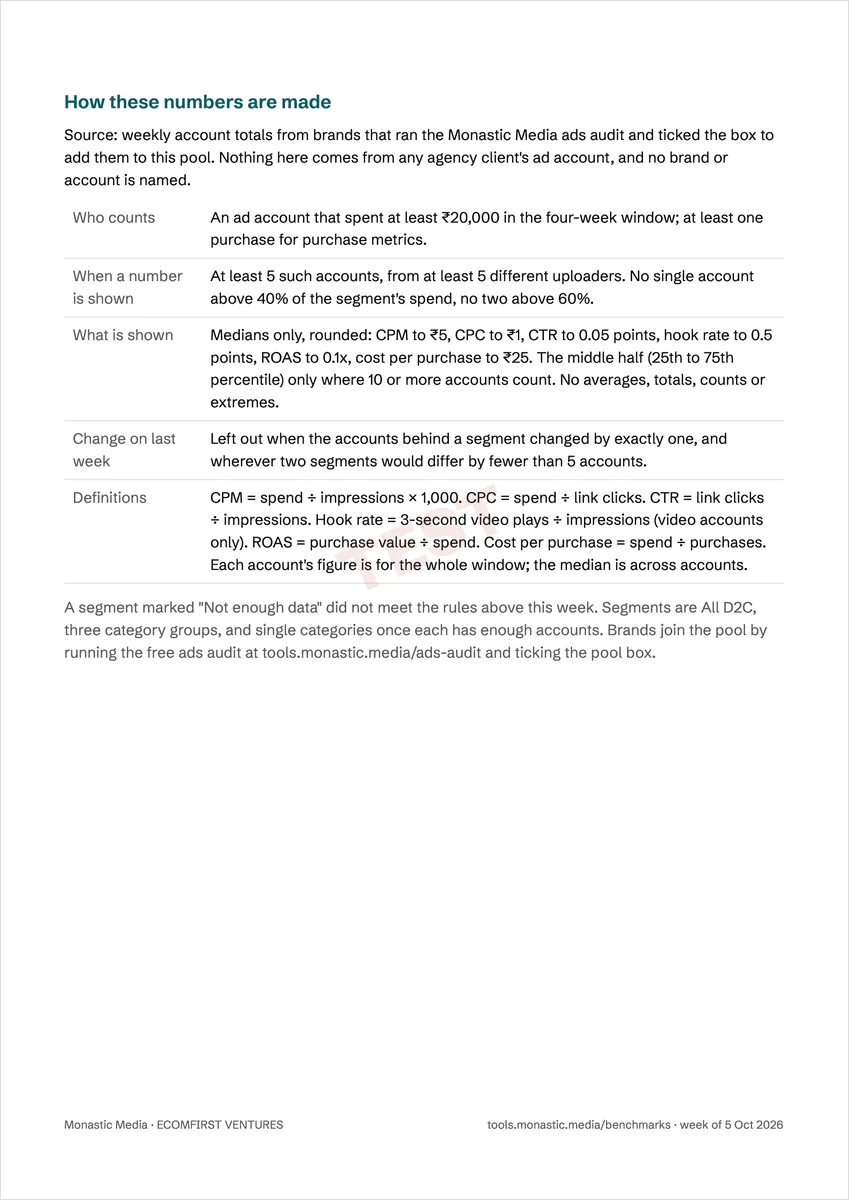
Real report pages. Every cell says "Not enough data": this is the format, not data.
Data
D2C Ad Benchmarks
Weekly CPM, CTR, ROAS and hook-rate medians for Indian D2C. A weekly report, billed monthly.
Subscription
- Arrives
- Every Monday by 08:00 IST.
- Format
- PDF by email, plus a copy on your order page.
- Metrics
- CPM, CPC, CTR, hook rate, ROAS and cost per purchase.
In each report
What arrives every Monday by 08:00 IST
An email with a PDF, plus a copy on your order page. Six medians for Indian D2C ad accounts on Meta, each defined the same way every week.
The six medians
| CPM | What 1,000 impressions cost: spend ÷ impressions × 1,000. |
|---|---|
| CPC (link) | Spend ÷ link clicks. |
| CTR (link) | Link clicks ÷ impressions. |
| Hook rate | 3-second video plays ÷ impressions. Accounts with video ads only. |
| ROAS | Purchase value ÷ spend. |
| Cost per purchase | Spend ÷ purchases. |
Segments
All D2C first. Then three category groups: fashion and jewellery; food, health and beauty; home, kids, electronics, pets and other. Single categories follow once each has enough accounts.
Time window
Delivery metrics cover the four weeks to the Sunday before. Purchase metrics stop a week earlier, so attribution can settle.
Change on last week
Shown next to each median, only where it is safe to show without pointing to one account.
Made by our creative team
Ads our team has made for D2C brands
Real ads our creative team made for client brands: jewellery, nutrition, wellness, beauty, apparel and more. This is the agency's own work, shown to give you a feel for the standard; it is not output of this product.
How it works
What stands behind every number
A benchmark is only worth paying for if enough accounts stand behind every number. The weekly report is already built and tested. Our test report says "Not enough data" in every cell.
- 1
Accounts share their totals
Brands run the free audit and tick the benchmark box. A number needs at least 5 accounts behind it.
- 2
Four Mondays in a row
All D2C has to clear the rules four Mondays running before we sell the report.
- 3
A legal read
The method and the privacy terms get a legal read before we take payment for it.
The pool
Where the numbers come from, and how everyone stays anonymous
Only from brands that ran the free audit and ticked the box to share their weekly totals. Never from an agency client's account.
What is kept: weekly sums of spend, impressions, link clicks, purchases, purchase value and video plays, under a random id, for up to 13 months. Email support@monastic.media to take your totals out and they are deleted.
- At least 5 accounts, from 5 different uploaders A number appears only when at least 5 ad accounts, sent by at least 5 different people, each spent ₹20,000 or more in the four weeks. Purchase metrics also need at least one purchase.
- No account dominates No single account may be over 40% of a segment's spend, and no two over 60%.
- Medians only, rounded No averages, totals, counts or extremes. The middle half (25th to 75th percentile) appears only where 10 or more accounts count.
- Week-on-week change only where it is safe Left out when the accounts behind a segment changed by exactly one, or where two segments differ by fewer than 5 accounts.
- No names, ever Never a brand name, an ad name, a campaign or a creative. Account sums only.
Contribute
Add your account to the pool
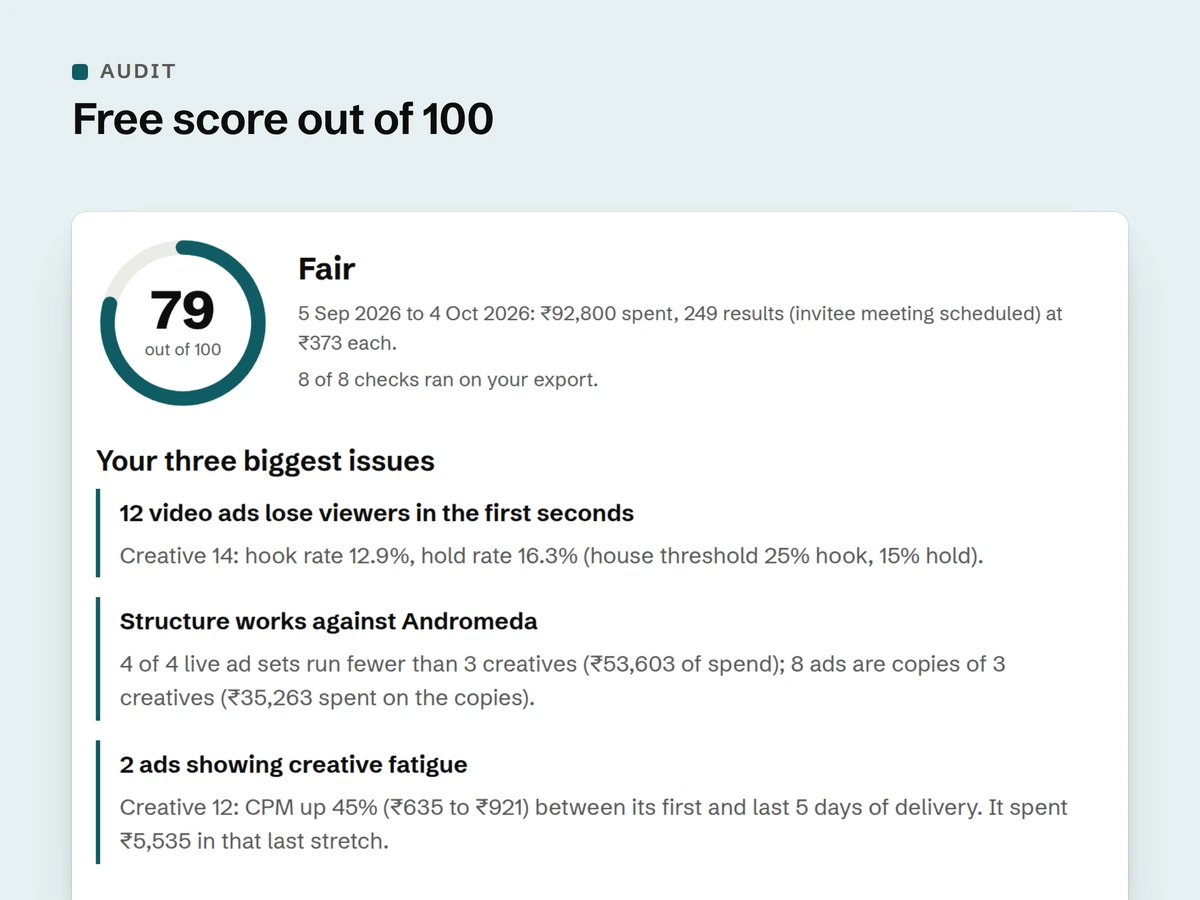
Run the free Meta ads audit with a daily breakdown in your export, then tick the benchmark box under the upload form. The box is unticked and optional, and the audit is free either way.
- What is shared Weekly sums from your export: spend, impressions, link clicks, purchases, purchase value and video plays.
- What is never shared Ad names, campaign names, creatives and your brand name.
- How to leave Email support@monastic.media at any time. Your totals are deleted.
Method
How a number is made, in plain words
The same steps every Monday, for every segment.
One figure per account
Each account's figure covers the whole four-week window, from its own weekly totals. CPM, for example, is that account's spend ÷ impressions × 1,000.
Then the middle one
The accounts are lined up from lowest to highest and the median is the one in the middle. One very large or very small account cannot drag it the way it drags an average, so it is closer to what a typical account sees.
Rules before numbers
A segment that misses any rule above shows "Not enough data" that week instead of a number. Published medians are rounded.
The details
Plan, billing and seller
A weekly report with monthly billing. Everything below is from our published policies.
| Price | ₹699 a month + 18% GST (India) |
|---|---|
| Billing | Renews monthly on the date you first paid, at the price shown when you subscribed. A price change only after 7 days' email notice. |
| Delivery | A welcome email with the latest report when you subscribe, then the new report every Monday by 08:00 IST. |
| Format | PDF by email, plus a copy on your order page |
| Missed Monday | If a Monday report is skipped, a quarter of that month's price is refunded after review, without you asking. |
| Cancel | One click on your order page. Access runs to the end of the paid period. No part-month refunds unless the service failed. |
| Sold by | ECOMFIRST VENTURES (trading as Monastic Media), Surat, India. GSTIN 24DIFPP5850R1ZI |
| Support | support@monastic.media. We acknowledge every message within 48 hours. |
Questions
Before you subscribe
Where do the numbers come from?
Only from brands that ran the free audit and ticked the box to share their weekly totals.
Do you use your agency clients' data?
No. Never an agency client's account.
How do you keep it anonymous?
At least 5 accounts from 5 different uploaders behind every number, no account over 40% of a segment's spend, and medians only.
Can I add my account?
Yes. Run the free audit with a daily breakdown and tick the benchmark box.
How do I take my data out?
Email support@monastic.media. Your totals are deleted.
Is it a monthly report?
No. It is a weekly report, every Monday by 08:00 IST. Only the billing is monthly.
What is hook rate?
3-second video plays ÷ impressions: the share of impressions where a video played for at least three seconds. Only accounts with video ads count towards it.
Why medians and not averages?
An average can be pulled up by one big spender. A median is the middle account, so it shows what a typical D2C account sees.
What if a Monday is missed?
A quarter of that month's price is refunded after review, without you asking.
More from the shop
Check your own account, then work on the ads
In the Shopify appDigital download
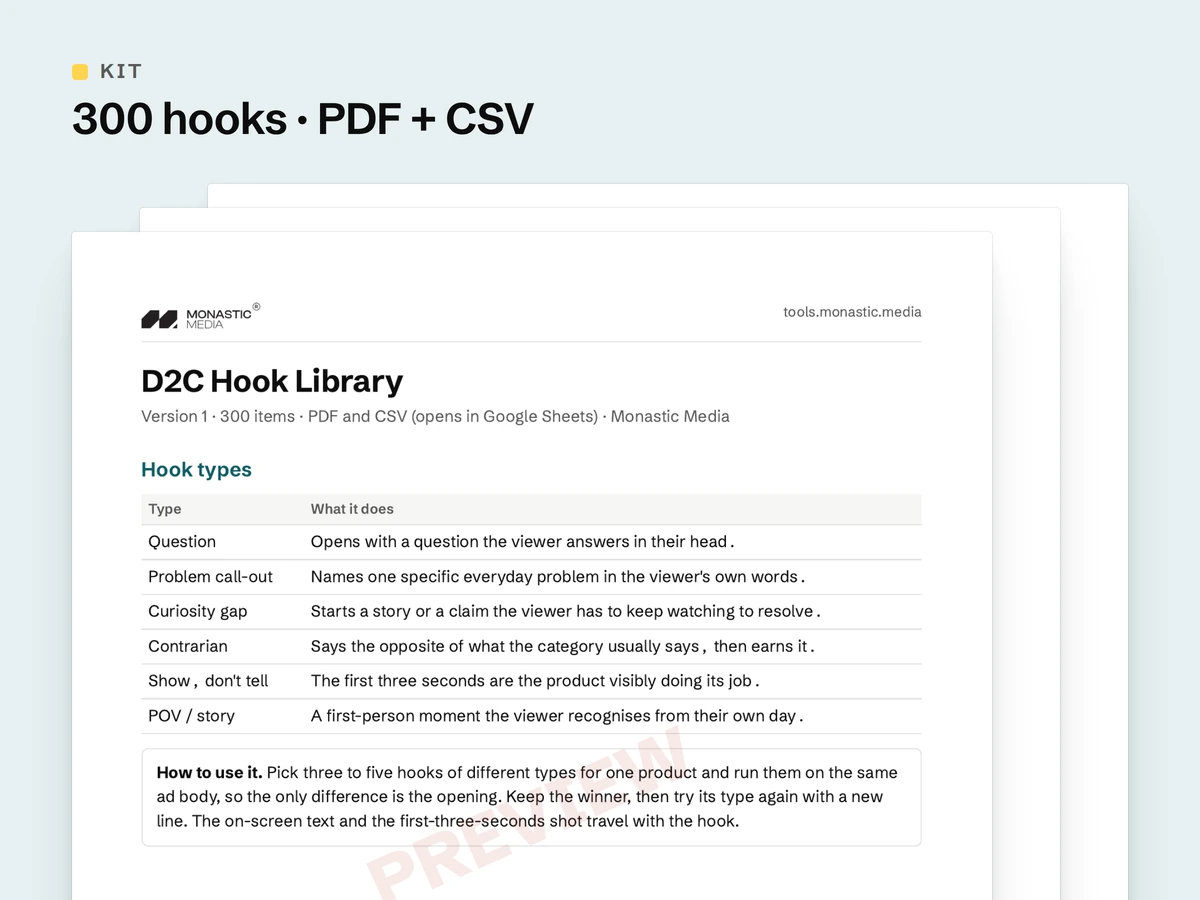
D2C Hook Library
300 ad hooks across 10 D2C categories, as PDF and CSV.
₹499 + GST, in the Shopify app
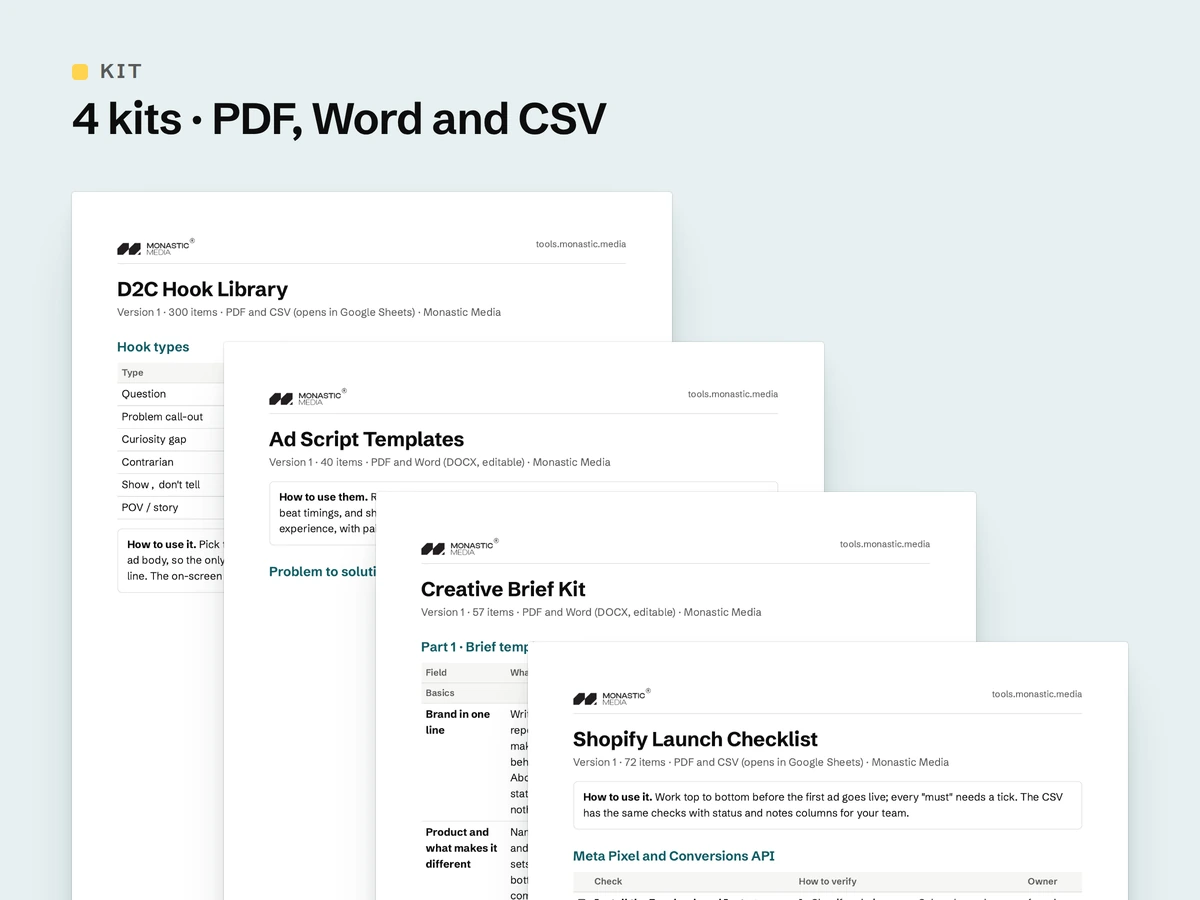
In the Shopify appDigital download
All four kits
The Hook Library, Script Templates, Brief Kit and Launch Checklist together.
₹1,499 + GST, in the Shopify app